Note: This portfolio site was launched on 30th March 2025. More stories, resources, and portfolio updates will be added progressively as I move forward and subject to available personal time.
Playwright MCP Simplified | Edition-1: Building the Base for AI-Driven Automation
A quick, beginner-friendly walkthrough on configuring Playwright MCP in VS Code — integrating AI Agents and GitHub Copilot to enable smarter, automated testing workflows.
TECHNICAL
Kiran Kumar Edupuganti
10/25/20254 min read






Playwright MCP Simplified | Edition -1
The portfolio reWireAdaptive, in association with the @reWirebyAutomation channel, presents an article on Playwright Integration with AI. This article, titled "Playwright MCP Simplified: Edition -1," aims to enable AI-driven automation and presents updates on the latest changes in the configuration.
Playwright MCP Configuration
Playwright MCP Significance
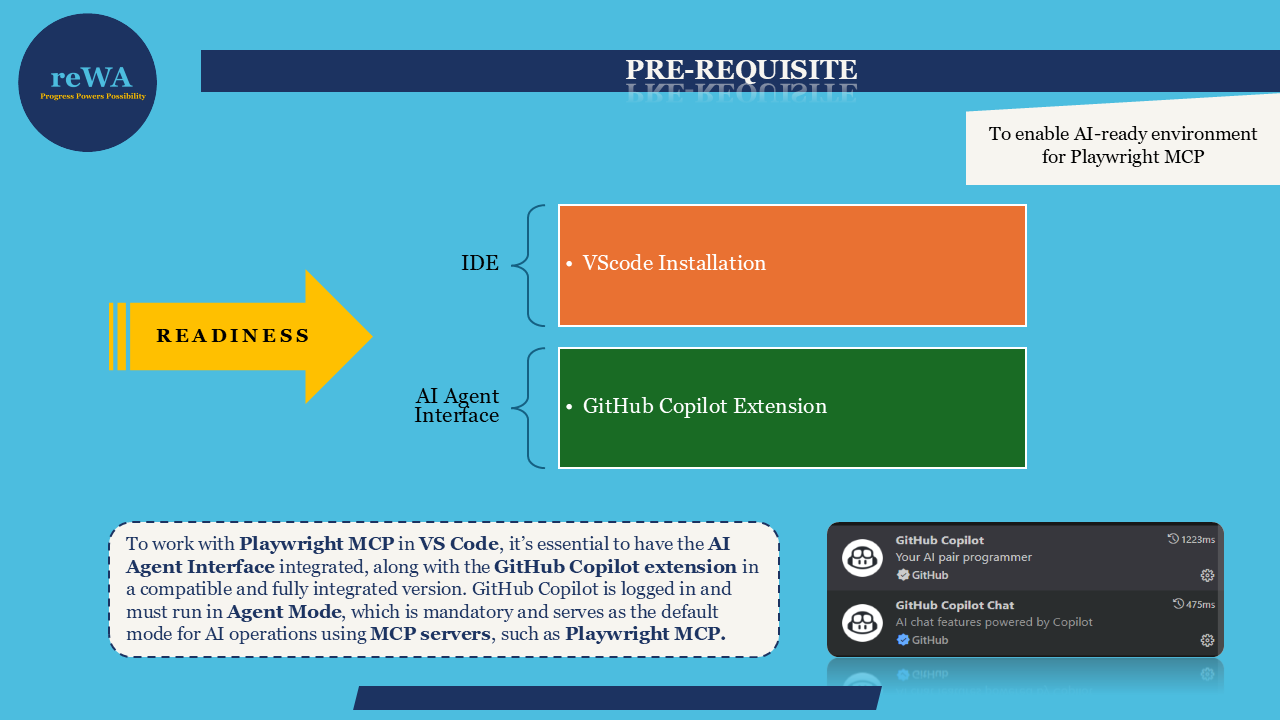
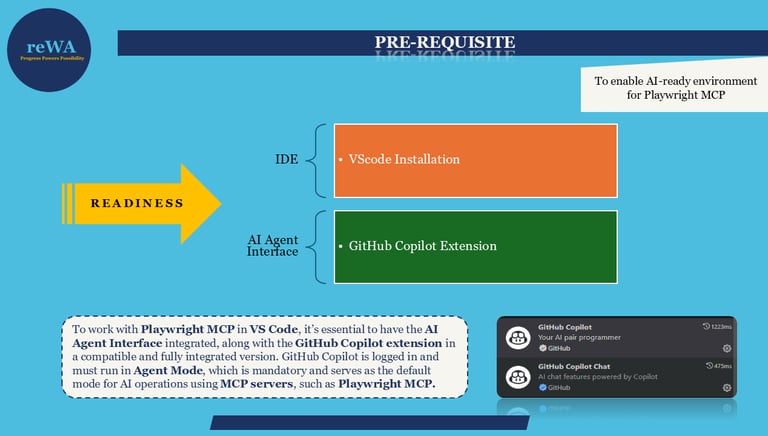
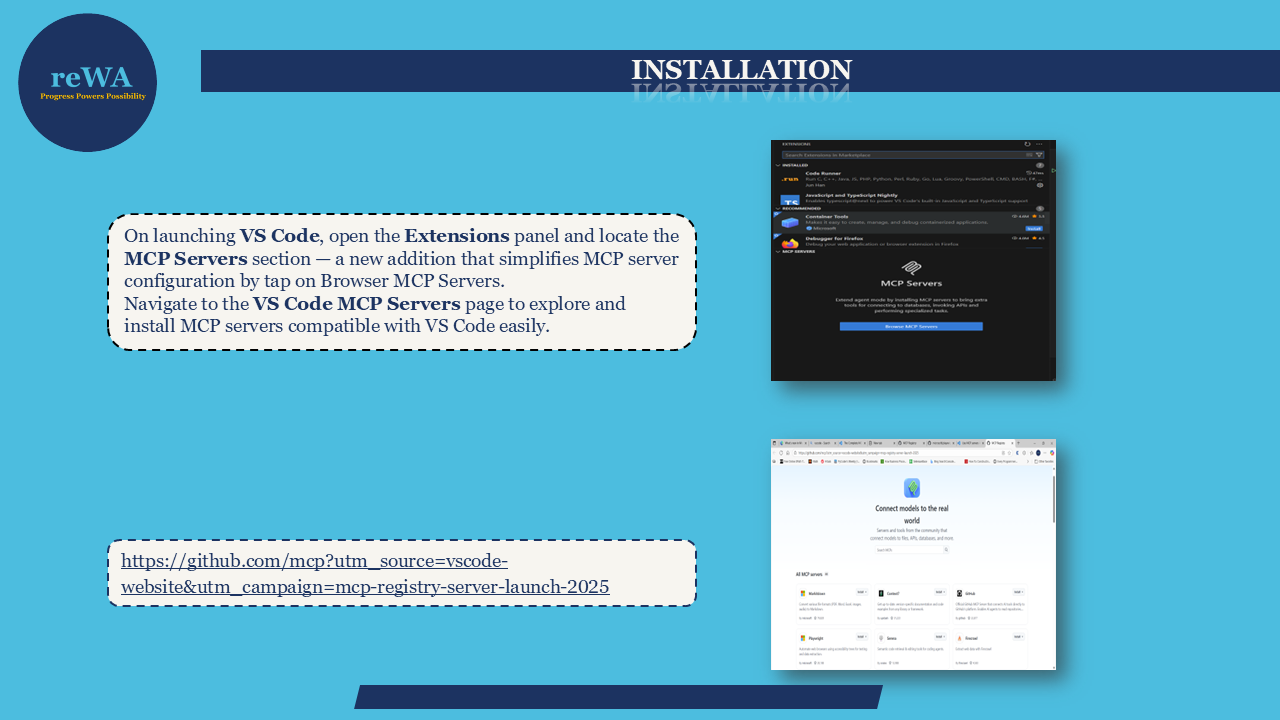
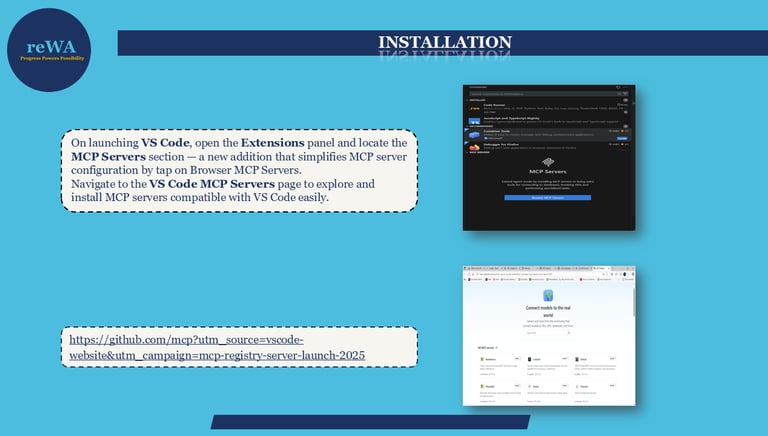
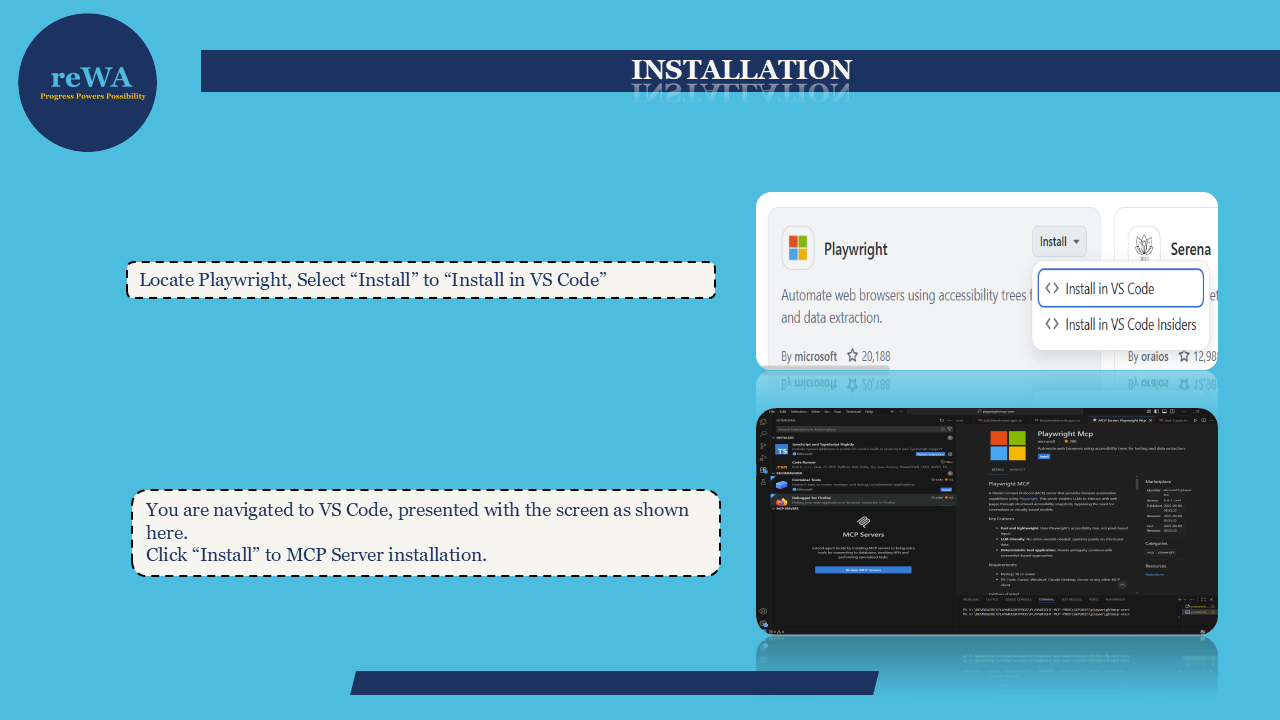
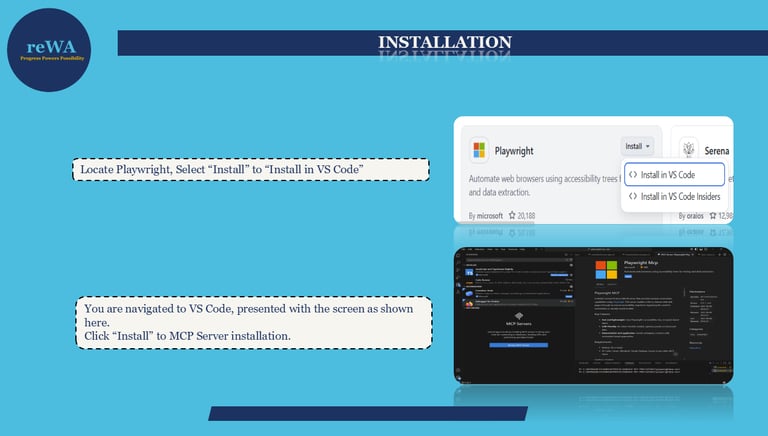
Setting up Playwright MCP inside VS Code starts with ensuring that the AI Agent Interface and GitHub Copilot extension are installed and working in compatible versions. When VS Code launches, you’ll find the new MCP Servers section inside the Extensions panel — a simple way to browse and configure MCP servers.
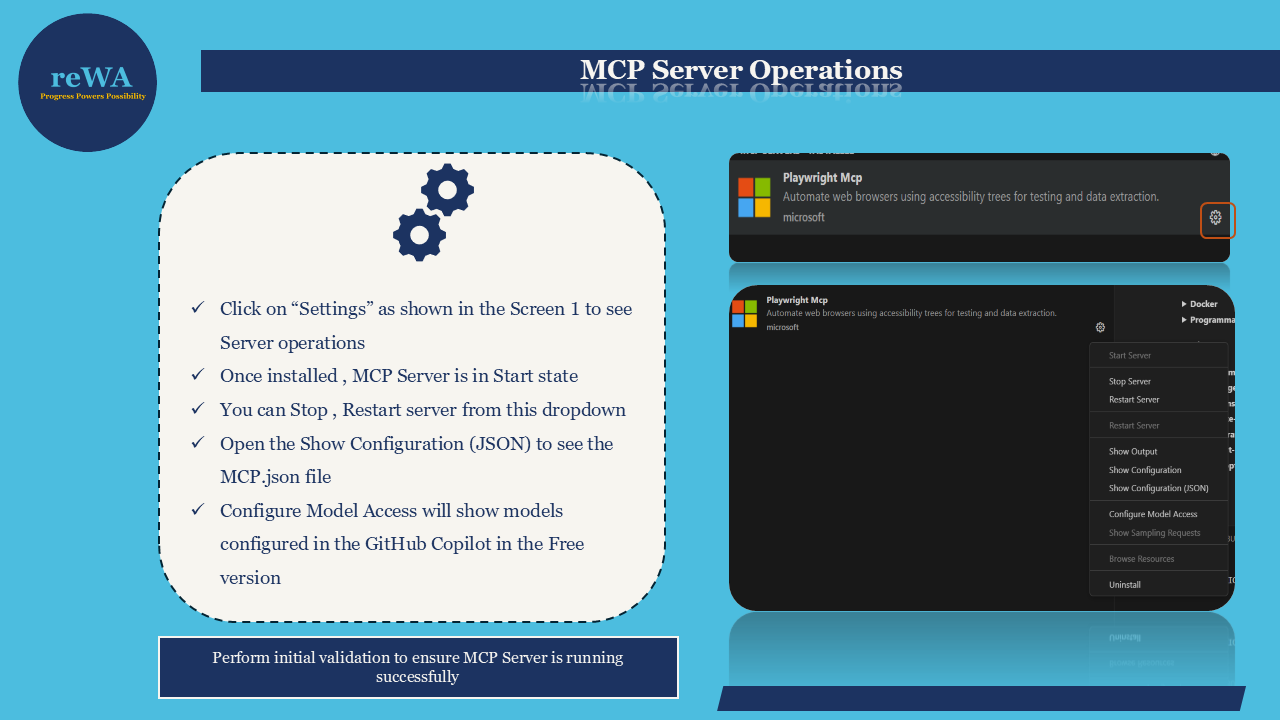
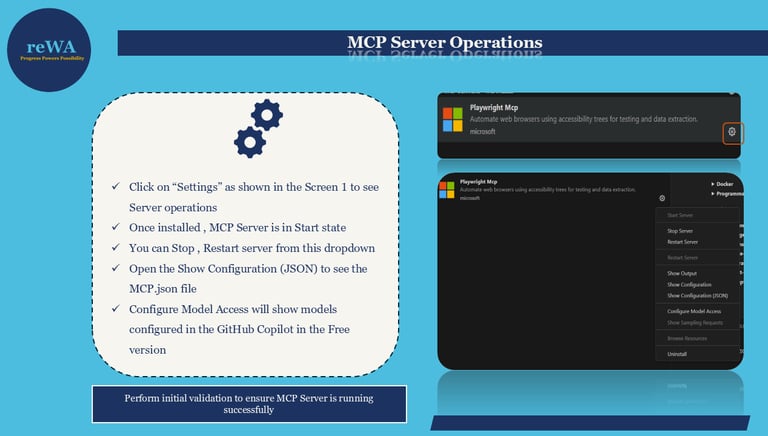
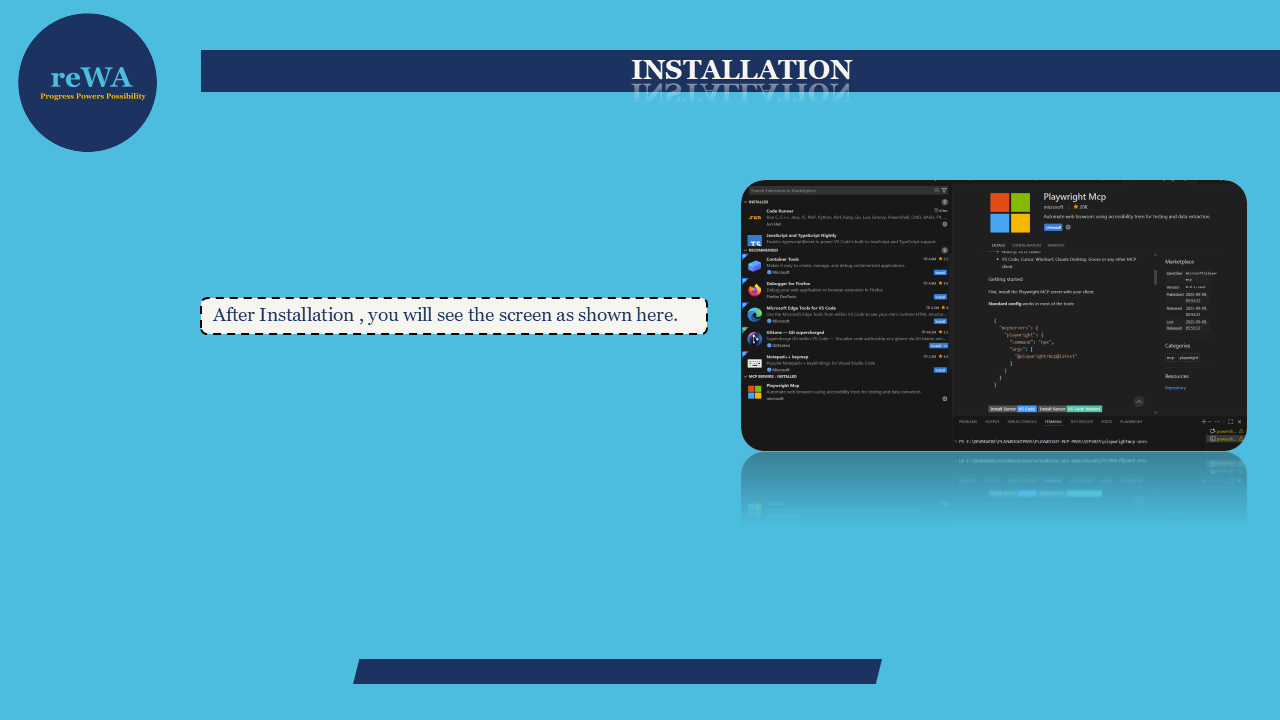
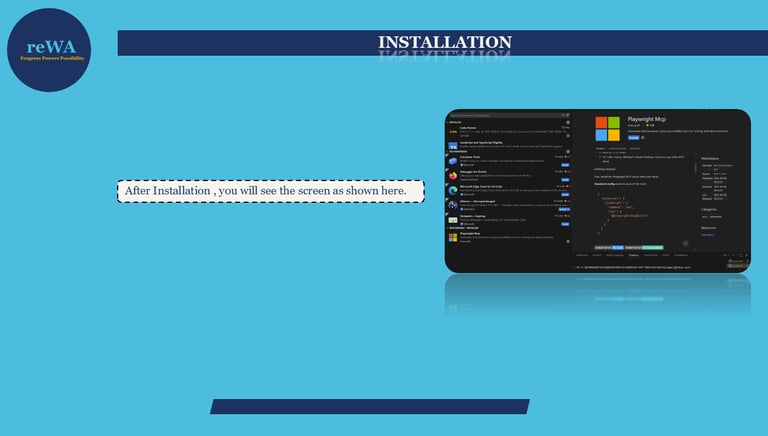
The Playwright MCP Server brings a new dimension to automation by combining Playwright’s testing power with AI-driven capabilities. It helps QE Teams to run automation tasks more efficiently inside VS Code, using an Agent interface that interacts with the MCP environment.
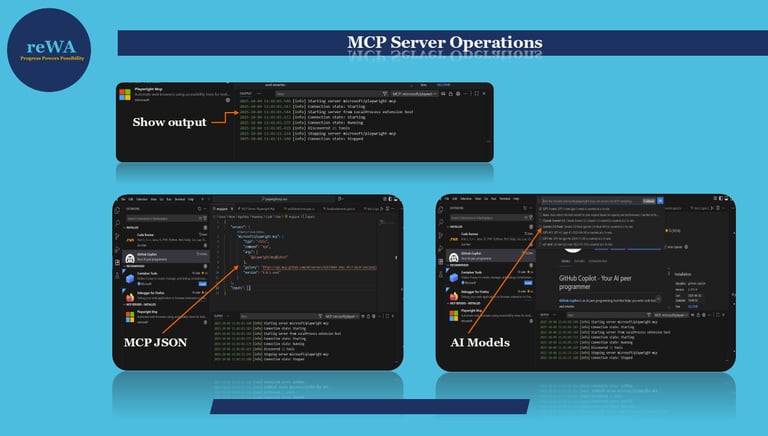
Once configured, users can start the Playwright MCP server, check available operations, and verify that the environment is responding correctly. This configuration ensures smooth communication between VS Code and the MCP server.
These Agentic features allow Copilot to act more like a collaborator than just a code-completion tool. It understands the context of your Playwright project and provides accurate, real-time suggestions. This means less time spent on syntax and more focus on test logic and validation.
This setup allows users to connect automation commands directly through an AI assistant, making test creation, execution, and validation faster and simpler. Instead of relying only on manual scripting, you can now ask AI Agent to perform actions like running tests, inspecting locators, or analyzing results.
The significance of Playwright MCP lies in how it bridges the gap between traditional automation and AI-assisted workflows. It reduces setup time, improves accuracy, and enables a more conversational way to perform test automation. For beginners, it’s a step forward in learning how AI and Agents are shaping modern automation capabilities and implementation.
The installation steps are lightweight, and everything works inside VS Code — no complex terminal commands or manual setups are needed. For beginners, this makes the Playwright MCP a good starting point to understand how AI-enabled servers can interact with your local automation tools. By completing this setup, you open the door to using Playwright through intelligent prompts and agent-based operations.
Agentic Features: How GitHub Copilot Supports Playwright Automation
GitHub Copilot acts as the AI Agent that supports your Playwright MCP environment. When the editor runs in Agent Mode, Copilot can interpret user instructions and translate them into automation tasks. For example, you can describe a test step in plain English, and the agent helps generate the Playwright code or validate selectors.
By connecting Playwright MCP with GitHub Copilot, users gain a unified platform for AI-driven test creation, faster debugging, and continuous improvement. It’s a small but meaningful step toward automation that learns and adapts along with the engineer.
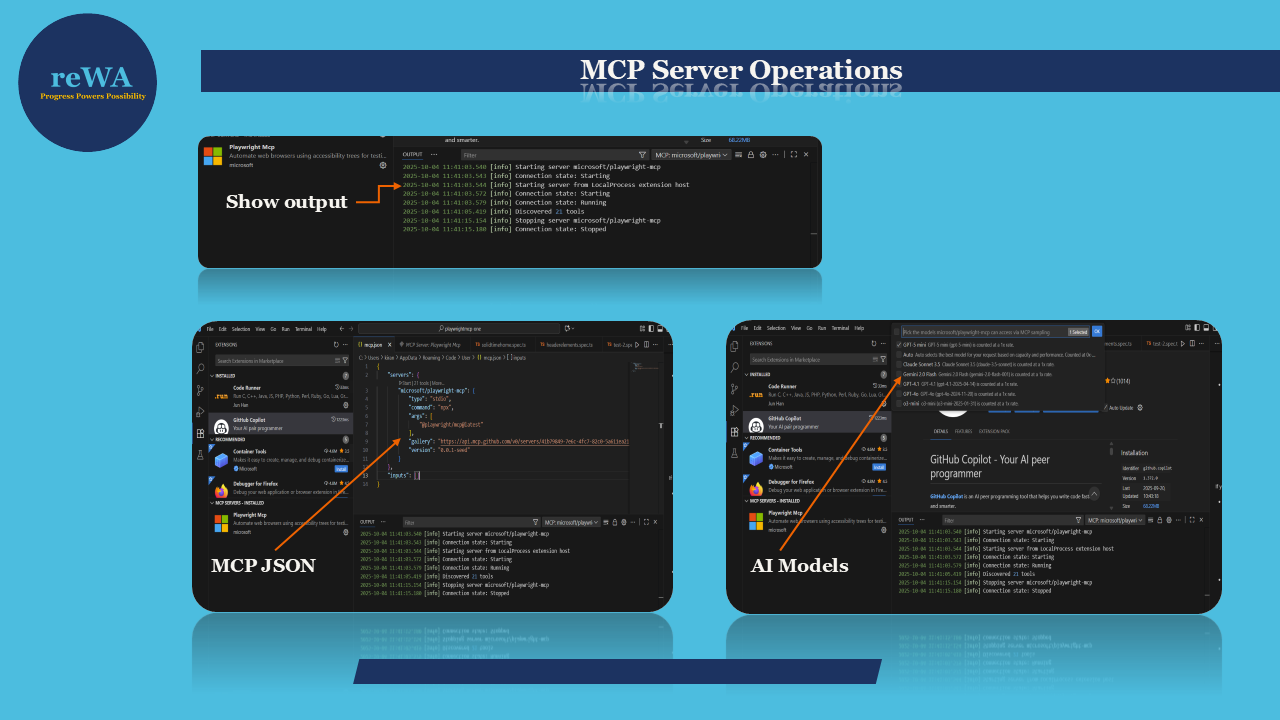
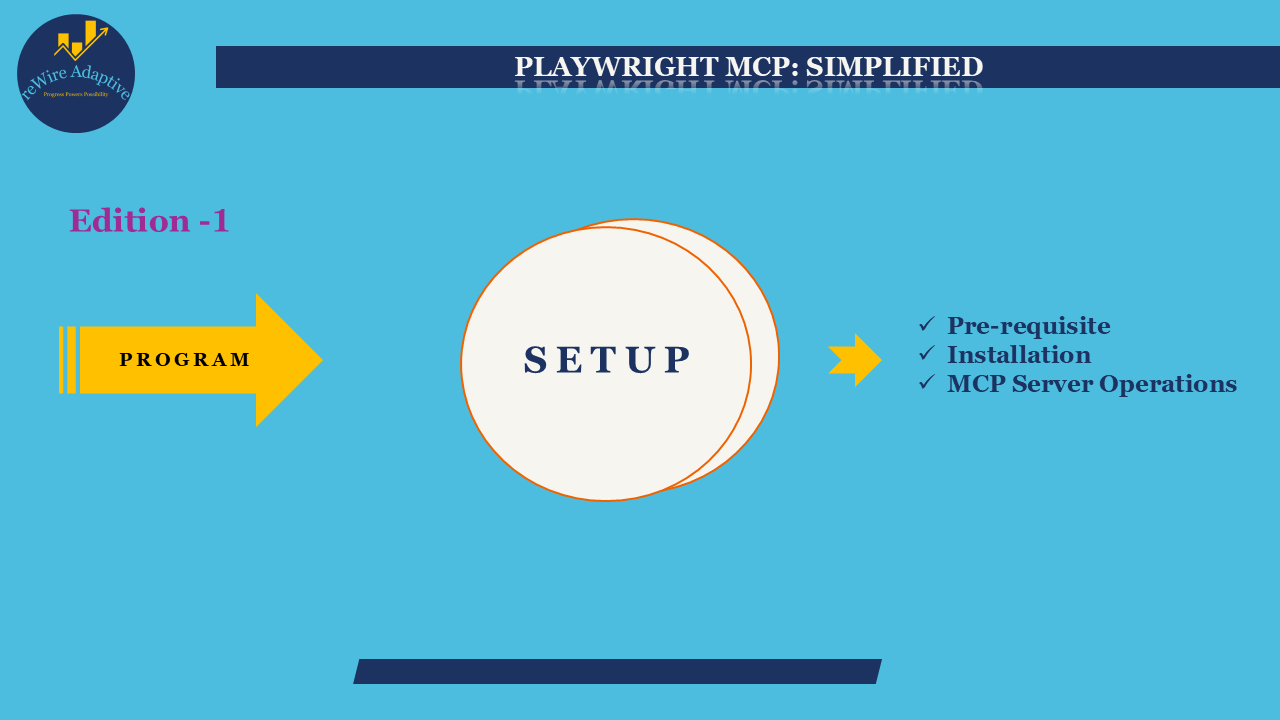
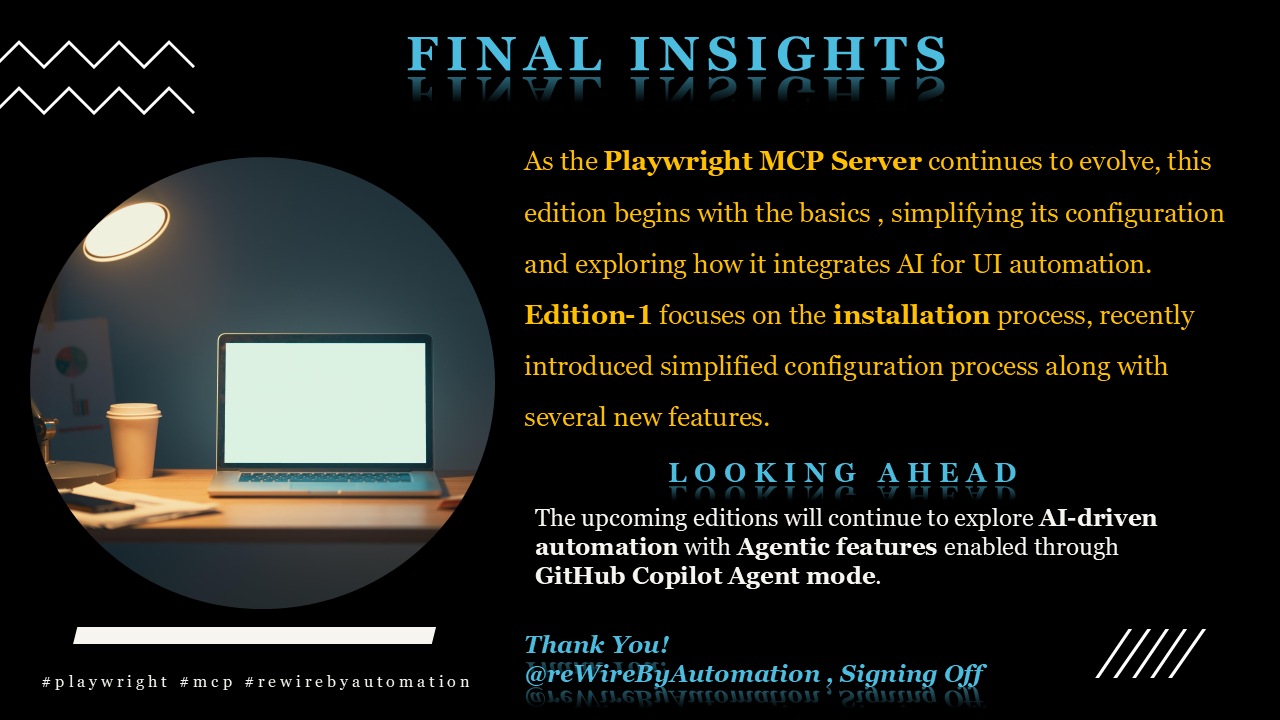
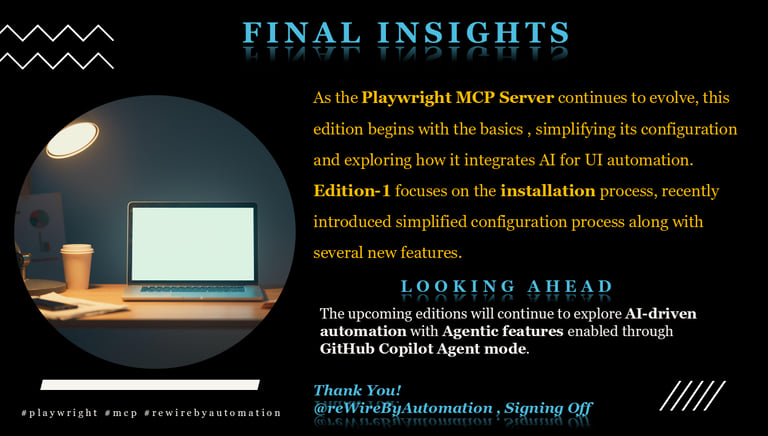
Final Insights: Edition-1 focuses on setup and installation, building the foundation for AI-powered automation through Playwright MCP. As future editions unfold, the series will dive deeper into Agentic operations, prompt-based testing, and intelligent validation workflows, showing how AI continues to simplify and enhance automation development.
| Refer to the infographic embedded for Final Insights:

Please refer to the mono video “Playwright MCP Simplified | Edition-1 : Building The Base for AI Driven Automation” available on the @rewirebyautomation YouTube channel.




Stay tuned for the next article from rewireAdaptive portfolio
This is @reWireByAutomation, (Kiran Edupuganti) Signing Off!
With this, @reWireByAutomation has published a “Playwright MCP Simplified | Edition -1: Building the Base for AI Driven Automation” article on Kiran's Portfolio.